Homepage: https://www.leawo.com/blu-ray-player/
Giveaway: https://www.leawo.org/promotion/giveaway/
Download:
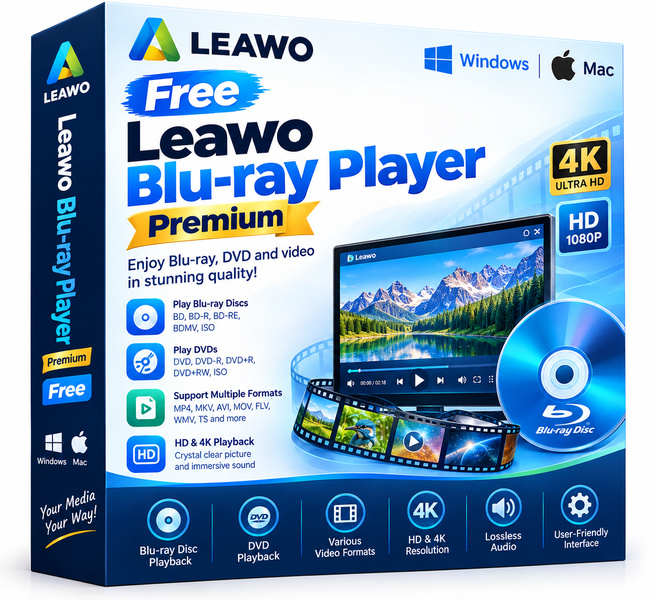
If you own a Blu-ray drive but lack software to actually use it, Leawo Blu-ray Player Premium fills that gap without costing a penny during this giveaway. This full-featured media player handles commercial Blu-ray discs, DVD discs, ISO image files, and a wide range of digital video formats on both Windows and Mac. You get smooth, high-quality playback with full menu navigation, lossless audio, and support for 4K content, all wrapped in a clean interface that does not require a technical background to operate.
Key features
- Blu-ray and DVD disc playback: Reads commercial and home-burned discs directly from your optical drive, complete with full disc menu support so you can navigate chapters, subtitles, and extras just as you would on a standalone player.
- 4K and HD video support: Handles 4K Ultra HD video files, 1080p Blu-ray content, and a broad library of common formats including MP4, MKV, AVI, MOV, and more.
- Lossless audio output: Passes through or decodes Dolby TrueHD, DTS-HD Master Audio, and other lossless audio tracks, so your home theater system or quality headphones receive the full benefit of the source material.
- ISO and folder playback: Opens Blu-ray and DVD ISO image files as well as BDMV and VIDEO-TS folder structures, making it easy to play ripped backups of discs you already own.
- Subtitle and audio track selection: Lets you switch between multiple subtitle tracks and audio streams mid-playback without restarting the file.
- Cross-platform support: A single license covers both Windows and Mac, so you are not locked to one operating system.
- Lightweight and ad-free interface: The player launches quickly, stays out of the way, and does not bundle adware or push unwanted upgrades during use.
Who is it for
This software fits several distinct types of users. Home theater enthusiasts who connect a laptop or desktop to a television will appreciate the lossless audio pass-through and full Blu-ray menu navigation. Movie collectors who rip their physical discs for archiving purposes get a reliable way to play ISO files and BDMV folders without hunting for codec packs. Casual users who simply want a no-fuss player for DVDs and common video files will find the interface approachable from the first launch. Mac users in particular benefit here, since macOS has had no native DVD or Blu-ray playback software for many years, leaving a gap that Leawo fills cleanly. Anyone who has struggled with VLC stuttering on Blu-ray menus or PowerDVD refusing to activate will find this a refreshingly stable alternative.
How it compares
- PowerDVD (CyberLink): The most established commercial Blu-ray player on Windows, known for deep hardware acceleration and streaming integration, but it requires a paid subscription or one-time purchase and offers no Mac version.
- Macgo Blu-ray Player: A cross-platform option with a similar feature set to Leawo, known for its polished Mac experience, but it is a paid product without a meaningful free tier for full disc playback.
- VLC Media Player: The legendary open-source player handles almost every video format and is completely free, but its Blu-ray disc support remains limited, menu navigation is unreliable, and encrypted commercial discs require extra manual setup steps.
- Kodi (with add-ons): A powerful open-source media center that can play Blu-ray content with the right configuration, but the setup process is complex and it is designed as a full media center rather than a lightweight standalone player.
Leawo Blu-ray Player Premium sits in the sweet spot between the complexity of Kodi and the cost of PowerDVD or Macgo. It is the right pick for anyone who wants genuine Blu-ray disc and ISO playback on Windows or Mac without paying recurring fees or spending an afternoon configuring open-source tools.