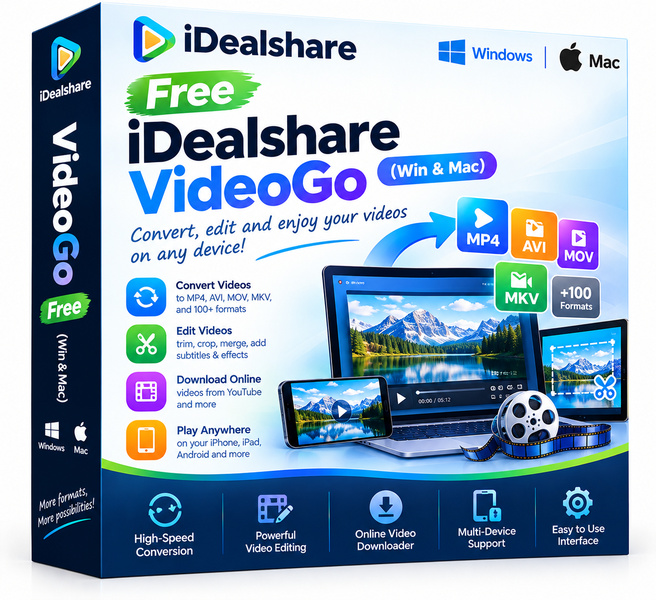
Homepage: https://www.idealshare.net/video-converter-mac.html
Giveaway:
Download link for Windows: https://www.idealshare.net/downloads/i-video-converter.exe
Download link for Mac: https://www.idealshare.net/downloads/i-video-converter-mac.dmg
iDealshare VideoGo for Windows
Registration Name: Any Name
Registration Key: 6BD0-D603-81B5-2504-A8C1-031C-C242-1AF2
iDealshare VideoGo for Mac
Registration Name: Any Name
Registration Key: D2B6-62AA-F286-F5CB-1D1E-DB6D-B455-0AF7
iDealshare VideoGo is a full-featured video and audio conversion utility that handles an impressive range of formats without asking you to pay a penny during this giveaway. Whether you need to shrink a large MKV file for your tablet, rip audio from a video clip, or prepare footage for a specific device, VideoGo covers the task cleanly on both Windows and Mac. It sits in the practical middle ground between lightweight online converters and heavyweight professional suites, offering real conversion power without a steep learning curve.
Key features
- Wide format support: Converts between 150-plus video and audio formats, including MP4, MKV, AVI, MOV, FLV, MP3, AAC, FLAC, and many more.
- Device-ready presets: Built-in profiles optimised for iPhones, Android phones, iPads, PlayStation, Xbox, and popular smart TVs remove the guesswork from output settings.
- Audio extraction: Pulls the audio track from any video file and saves it as a standalone MP3, WAV, FLAC, or other audio format in one step.
- Basic video editing: Trim, crop, merge clips, add watermarks, and adjust brightness or contrast before converting, so you avoid opening a separate editor.
- Batch conversion: Queue multiple files and process them all at once, saving significant time when working with large media libraries.
- Fast conversion engine: Uses hardware acceleration where available to speed up encoding without a noticeable drop in output quality.
- Cross-platform: A single licence covers both Windows and Mac, so mixed-OS households or small teams do not need separate tools.
Who is it for
iDealshare VideoGo fits a wide range of everyday users. Home users and cord-cutters who collect movies and TV shows in various formats will appreciate the device presets and batch processing. Content creators and YouTubers who need to reformat footage for different platforms or extract audio for podcasts will find the editing and extraction tools genuinely handy. Students and educators working with lecture recordings or downloaded tutorials can quickly convert files to formats their devices actually play. Small business owners who produce promotional videos for multiple channels benefit from the broad format library. Anyone who regularly hits format compatibility walls and wants a reliable desktop solution rather than an ad-heavy online tool will feel at home here.
How it compares
- HandBrake: A well-known open-source transcoder celebrated for deep quality control and H.265 encoding, but it is focused almost entirely on video compression rather than broad format conversion, and its interface can feel technical for casual users.
- Freemake Video Converter: A long-running free Windows converter with a friendly interface, though it is Windows-only and has historically bundled third-party offers during installation that some users find intrusive.
- Any Video Converter: Covers a solid range of formats and adds a basic DVD burner, but the free edition places output quality and speed restrictions that push users toward the paid tier.
- VLC Media Player: Universally trusted for playback and quietly capable of converting formats, but its conversion workflow is buried in menus and lacks the device presets or batch tools that a dedicated converter provides.
iDealshare VideoGo sits comfortably between the technical depth of HandBrake and the simplicity of consumer tools, offering both breadth of format support and ease of use in one package. It is the best pick for users who want a cross-platform, no-fuss converter with device presets and audio extraction built in, especially when they can claim it for free.
Bottom line
Format headaches are one of the most common and most avoidable frustrations in everyday computing. iDealshare VideoGo removes them with a clean interface, a vast format library, and practical extras like batch processing and audio extraction. Claiming it during this giveaway means getting a dependable desktop tool that will still be sitting on your hard drive and working long after the free online converters have changed their terms or disappeared.