Homepage: https://www.geekersoft.com/geekersoft-pdf-editor.html
Download: GeekersoftPDFEditor_3.3.1.123.exe
Registration Key: A7C7UV-WWM6FV-A6N9Z6-GL81-ABU9JF
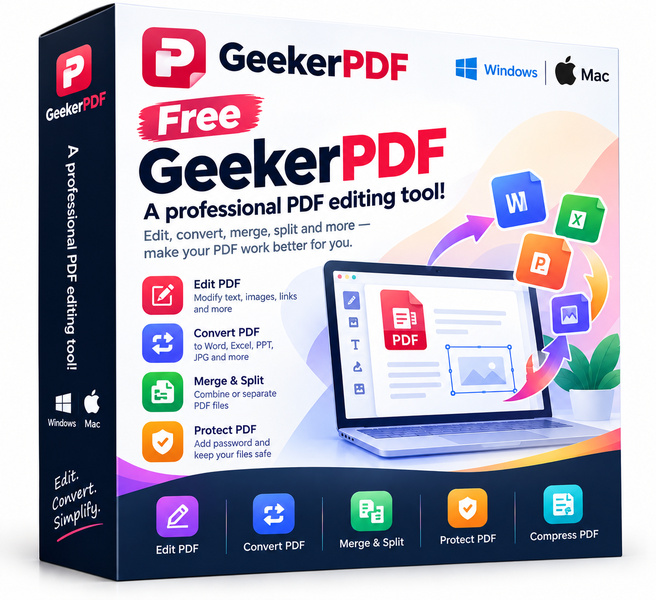
Managing PDF files should not require an expensive subscription or a clunky workaround. GeekerPDF is a surprisingly capable free PDF utility that handles everything from basic text edits to file conversion and password protection. Whether you are a student juggling coursework, a freelancer polishing client deliverables or a home user tired of read-only PDF viewers, GeekerPDF brings a genuinely useful set of tools to the table at no cost whatsoever.
Key features
- Full text and image editing: Modify existing text, reposition images and adjust page layouts directly inside any PDF without converting it first.
- PDF conversion: Export PDF files to Word, Excel, PowerPoint, plain text and popular image formats, and create PDFs from those same file types.
- Annotation and markup: Add comments, highlights, sticky notes, stamps and freehand drawings to collaborate on documents or review drafts efficiently.
- Page management: Insert, delete, rotate, reorder, split or merge pages to build the exact document structure you need.
- Security and permissions: Apply password protection and set read, print or copy permissions to keep sensitive content under control.
- Form tools: Fill in interactive PDF forms and, depending on your build, create basic fillable fields for others to complete.
- Lightweight and fast: GeekerPDF is designed to launch quickly and stay responsive even on modest hardware, without the bloat of enterprise-grade suites.
Who is it for
GeekerPDF fits a wide range of everyday users. Students will appreciate the annotation tools for marking up lecture notes and research papers. Freelancers and small business owners benefit from the conversion and editing features that let them prepare polished, professional documents without paying for a subscription they rarely need. Administrative and office workers who handle forms, contracts or reports regularly will find the page management and security features genuinely time-saving. Casual home users who simply want to combine a few PDFs, fill out a form or redact personal information before sharing a file will find the interface approachable and the feature set more than adequate.
How it compares
- Adobe Acrobat: The industry benchmark for PDF editing and compliance. It offers the deepest feature set available, including advanced redaction, accessibility tools and cloud integration, but it sits behind a recurring subscription that prices out casual users.
- Foxit PDF Editor: Known for its close resemblance to Microsoft Office in layout and its strong annotation workflow. It targets business teams and offers collaboration features that go beyond what a single-user free tool provides.
- Nitro PDF: Focused on document workflows and e-signatures in corporate environments. It integrates with cloud storage platforms and is built around team productivity rather than individual editing tasks.
- PDFelement: A polished, user-friendly editor with a clean interface and OCR capabilities. It has a capable free tier but pushes users toward paid plans for batch processing and advanced features.
- PDF-XChange Editor: A Windows-native editor appreciated for its speed, granular annotation tools and extensive customisation. The free version adds watermarks to saved files, which limits its usefulness for finished documents.
- LibreOffice Draw: An open-source option that can open and export PDFs. It works well for basic edits but was not purpose-built for PDF workflows, and complex documents can render inconsistently.
GeekerPDF sits in the sweet spot between bare-bones free viewers and fully priced professional suites. It delivers more practical editing power than LibreOffice Draw or watermarked free tiers, without requiring a credit card. The buyer who gets the most value here is someone who works with PDFs regularly at home or in a small-team setting and wants clean, functional results without ongoing costs.
Bottom line
Free tools often cut corners, but GeekerPDF makes a genuine effort to cover the editing, conversion and security tasks that come up in real daily work. If you have been making do with a viewer or paying for features you only use occasionally, GeekerPDF is worth adding to your toolkit.
Looking for the cheapest licence? Every code in the list below, and what you actually pay with it, is on our PDF software coupon page.