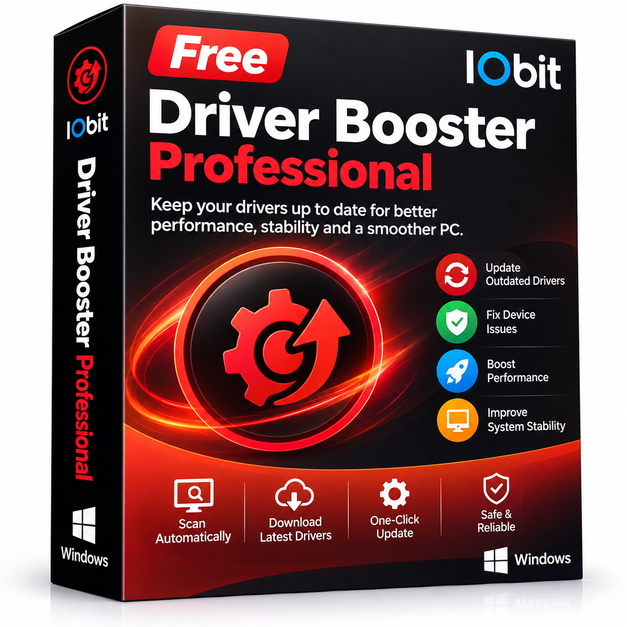
Homepage: https://www.iobit.com/en/driver-booster-pro.php
Download: DriverBooster_v14.0.1.462.exe
https://www.virustotal.com/gui/file/37f881b9f996155037ac829a42680feae04c23c9f1c9a25a0f05af348fe7ab94/details
Registration Key: 8A5D2-1F71D-57AE8-086BD
Please note that this giveaway may not work in every country. This limitation was imposed by the developer.
Outdated drivers are one of the most overlooked causes of Windows problems. Sluggish graphics, audio glitches, unrecognized devices, and random blue screens often trace back to a single driver that never got updated. IObit Driver Booster Professional tackles this silently and efficiently, scanning your entire system, matching components against a large driver database, and installing verified updates automatically, so you never have to hunt through manufacturer websites again.
Key features
- Automatic driver scanning: Detects outdated, missing, or faulty drivers across all connected hardware in seconds.
- One-click updates: Downloads and installs multiple driver updates in a single batch operation with no manual steps required.
- Large driver database: Covers millions of device drivers including graphics cards, sound cards, network adapters, printers, and peripherals.
- Driver backup and restore: Creates restore points before every update so you can roll back instantly if anything goes wrong.
- Game components boost: Updates game-related components like DirectX, Visual C++, and .NET Framework alongside hardware drivers for smoother gaming.
- Safe driver installation: All drivers are sourced from official manufacturers and tested before inclusion in the database.
- Scheduled scans: Set it and forget it with automatic background scanning on a schedule you choose.
Who is it for
Driver Booster Professional suits anyone who wants their Windows PC running at peak hardware performance without spending hours on manual maintenance. Gamers benefit directly from fresher GPU and audio drivers that unlock better frame rates and fewer crashes. Home users who plug in new peripherals, webcams, or printers will appreciate instant driver recognition. Small business owners and IT-adjacent users managing a single workstation get peace of mind knowing the system stays current and stable. If you have ever ignored a Windows Device Manager warning triangle because fixing it felt complicated, this tool is built precisely for you.
How it compares
- Snappy Driver Installer Origin: A free, open-source driver pack tool that works entirely offline using downloaded driver packs, making it ideal for technicians updating air-gapped machines but less convenient for everyday home users who prefer a lightweight, always-online updater.
- Outbyte Driver Updater: Known for its clean interface and scheduled scanning, it competes closely with Driver Booster but has a smaller driver database and fewer bonus utilities bundled alongside the core updater.
- Auslogics Driver Updater: Focuses on simplicity and safe one-driver-at-a-time updates, which appeals to cautious users but lacks the batch-update speed and game component boosting that Driver Booster Professional provides.
- Driverscloud (formerly Ma-Config): A browser-based hardware detection and driver lookup service that is useful for identifying components but requires you to download and install each driver yourself, offering no automation at all.
IObit Driver Booster Professional sits in the sweet spot for general Windows users who want automation, a broad driver database, and gaming extras bundled into one interface. If you prioritize set-and-forget convenience over manual control, and you value the backup-before-update safety net, this is the stronger daily-driver choice over the alternatives listed above.