Homepage: https://gimespace.com/products/ram-folder.html
Download: GiMeSpace_RAM_Temp_Folder-2.0.1.exe
Registration Key: 735105737602641
Image Toolkit (3 AI Image Tools + 4 Image Programs)
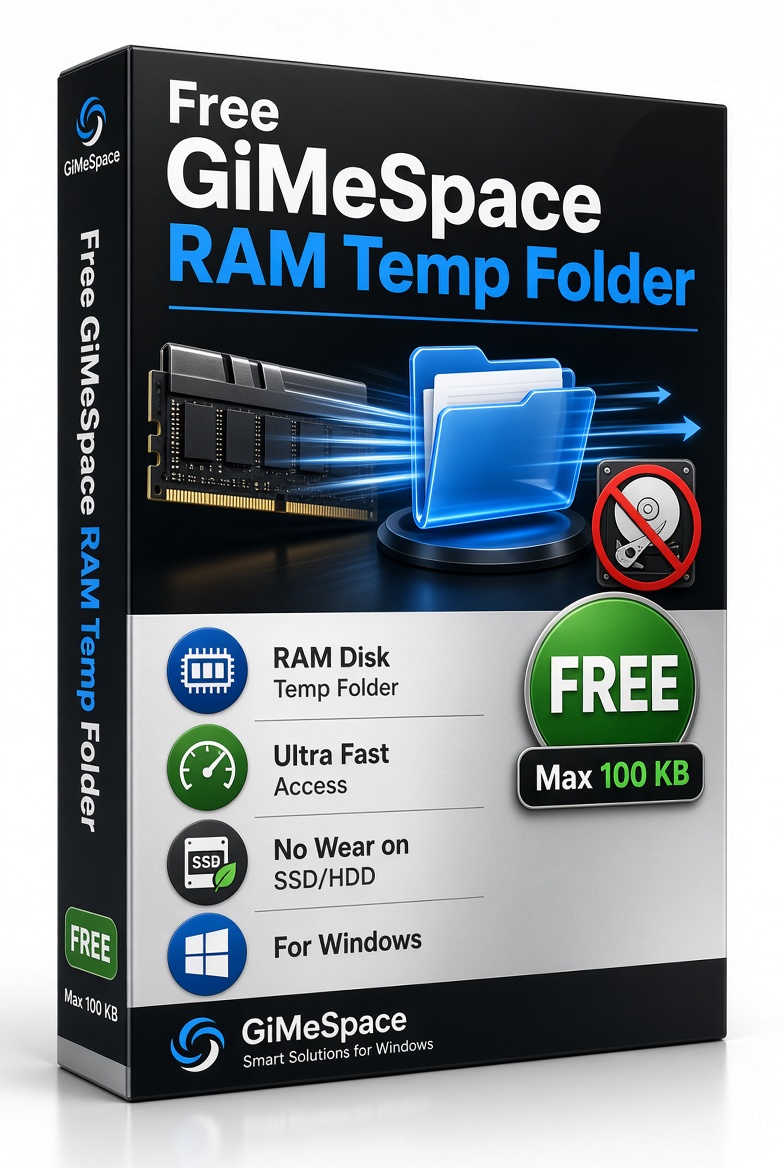
Every time Windows writes temporary files to your hard drive or SSD, your system pays a small speed tax. Multiply that across dozens of apps running at once and the slowdown becomes very real. GiMeSpace RAM Temp Folder fixes this by redirecting your system temp directory straight into RAM, the fastest storage your computer already owns. The result is snappier app launches, faster file operations, and less wear on your physical drives, all without spending a single dollar.
Key features
- Instant RAM-based temp storage: Creates a virtual folder in system memory that Windows treats as a normal temp directory, giving every app that writes temp files a massive speed boost.
- Automatic cleanup on reboot: Because the folder lives in RAM, all temporary junk is wiped the moment you restart, keeping your drive clutter-free without any manual effort.
- Reduced drive wear: Fewer writes to your SSD or HDD means longer hardware lifespan, particularly valuable if you rely on a flash-based drive with a limited write cycle budget.
- Zero configuration required: Install the utility and it takes over silently. No registry tweaking, no command-line work, no technical knowledge needed.
- Lightweight footprint: The program itself uses minimal CPU and RAM overhead, so the performance you gain from faster temp I/O is never eaten back by the tool itself.
- Compatible with standard Windows environments: Works alongside your existing security software and system tools without conflict or special permissions headaches.
- Completely free to use: No trial timer, no nag screens, no feature gates hiding behind a paywall.
Who is it for
This utility earns its place on a surprisingly wide range of machines and user types.
- Power users and gamers who run RAM-hungry apps will appreciate redirecting temp I/O away from even the fastest NVMe drive and into memory where latency is measured in nanoseconds.
- Content creators working with video editors, image processors, or compilers that churn through huge volumes of temporary scratch files will see the biggest real-world gains.
- Laptop owners with aging HDDs get an especially dramatic improvement because spinning-disk read and write speeds are the sharpest bottleneck in any older machine.
- SSD-conscious users who want to preserve drive health by limiting daily write counts will love the automatic, no-hassle offloading of temp activity into RAM.
- Minimalist tinkerers who want a set-and-forget optimization without bloated suite software will find GiMeSpace RAM Temp Folder perfectly sized for the job.
How it compares
- ImDisk Toolkit: A well-respected open-source RAM disk solution that is highly flexible and supports custom drive letters, sizes, and file systems, but requires considerably more manual setup to redirect the Windows temp folder correctly.
- SoftPerfect RAM Disk: Known for its polished interface and support for persistent disk images saved to physical storage between reboots, making it more versatile but also more complex than a single-purpose temp redirector.
- Primo Ramdisk: A feature-rich commercial-leaning RAM disk tool aimed at professional and enterprise users who need advanced options like hybrid disks and memory-mapped files, which is overkill for everyday temp-folder optimization.
- RAMMap (Sysinternals): A diagnostic utility from Microsoft that shows how Windows allocates physical memory, useful for analysis but not a temp-folder solution on its own, requiring additional scripting to act on what it reveals.
GiMeSpace RAM Temp Folder occupies the sweet spot for users who want exactly one thing done well: faster, cleaner temp file handling with no learning curve. If you need a fully customizable RAM disk for multiple use cases, the alternatives above offer more flexibility. But if a quick, free, install-and-forget speed boost is your goal, this is the smarter pick.
Bottom line
Few free utilities deliver such a noticeable improvement with so little effort. If you have RAM to spare and you are tired of your system grinding through temporary file operations, GiMeSpace RAM Temp Folder is an easy, risk-free addition to your Windows toolkit.