Homepage: https://www.ashampoo.com/en-nz/winoptimizer
Giveaway: https://www.ashampoo.com/frontend/registration/php/trial_step1.php?edition_id=Xdg06o5lgGD2Bbl4TVhyEW1OvqpmrOCN&ref=linktarget
Giveaway: https://www.ashampoo.com/frontend/registration/php/trial_step1.php?edition_id=qQ396IIzkmMQUcHNnhTWam8VktSiNfNA
Download: ashampoo_winoptimizer_28_28.00.20_sm.exe
Affiliate link: we get a commission only if you buy something, at no extra cost to you. If this box does not show up or the link will not open, turn off your ad blocker on this page.
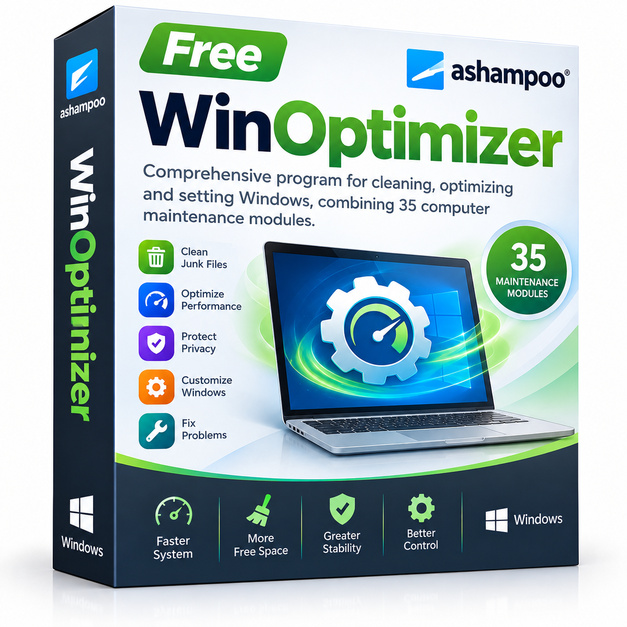
Over time, every Windows PC accumulates digital clutter: leftover temp files, bloated registry entries, forgotten startup programs, and privacy traces that slow things down and eat up storage. Ashampoo WinOptimizer tackles all of that in one clean, beginner-friendly interface, giving your system a thorough tune-up without requiring any technical know-how. Whether your PC is crawling at startup or just feeling sluggish day to day, this tool is built to bring it back to its best.
Key Features
- One-Click Optimization: Scan and fix the most common performance killers with a single click, making the whole process fast and foolproof.
- Registry Cleaner and Defragmenter: Identifies and repairs broken, redundant, or orphaned registry entries that cause errors and slowdowns.
- Drive Cleaner: Removes gigabytes of junk files, temporary data, browser cache, and system leftovers that waste valuable disk space.
- Startup Manager: Shows every program that launches at boot and lets you disable the ones you do not need, cutting startup times noticeably.
- Privacy Cleaner: Wipes browsing history, download logs, and activity traces across browsers and Windows itself to protect your personal data.
- Internet Tuner: Adjusts network and browser settings to squeeze better speed out of your existing internet connection.
- Uninstall Manager: Removes programs completely, including the leftover files and registry keys that standard Windows uninstalls always leave behind.
Who Is It For
Ashampoo WinOptimizer is a great fit for everyday Windows users who want a reliable, all-in-one maintenance tool without spending hours digging into system settings. It is particularly useful for people whose PCs have not had a proper cleanup in months, users who notice slow boot times or laggy performance, and anyone who values privacy and wants to keep their activity traces minimal. Small business owners managing their own workstations, students on older laptops, and home users who simply want their machine to run the way it used to will all find genuine value here. The interface is clean enough for beginners while still offering enough depth for users who want to explore individual modules manually.
How It Compares
- CCleaner: Probably the most widely recognized PC cleaner on the market, known for its lightweight footprint and broad compatibility, though its feature set has narrowed over the years and its free version now shows persistent upsell prompts.
- IObit Advanced SystemCare: Offers an extensive range of optimization and security features in one dashboard, but leans heavily on upgrade nudges and the free tier is quite limited in what it actually fixes.
- Glary Utilities: A solid multipurpose toolkit with a generous free version and a familiar tabbed layout, though its interface can feel dated and some modules are less polished than dedicated alternatives.
- Wise Care 365: Praised for its simple design and fast scan speeds, making it a good entry-level choice, but it lacks some of the deeper tuning modules that power users tend to look for.
Ashampoo WinOptimizer sits in a comfortable middle ground: more comprehensive than Wise Care 365 and less naggy than IObit, while matching CCleaner on privacy cleaning and beating Glary Utilities on interface refinement. It is the strongest pick for users who want a genuinely complete toolkit with a modern look and no constant pressure to upgrade, especially when they can claim it here at no cost.