Homepage: https://www.videoproc.com/
Download: videoproc-7.8.exe
Download: videoproc-7.8.dmg
Windows Registration Key: DAEVF-RD7OX-BSH53-BS5P2
MacOS Registration Key: DBRLW-FQPQQ-GN2AC-BO4BG
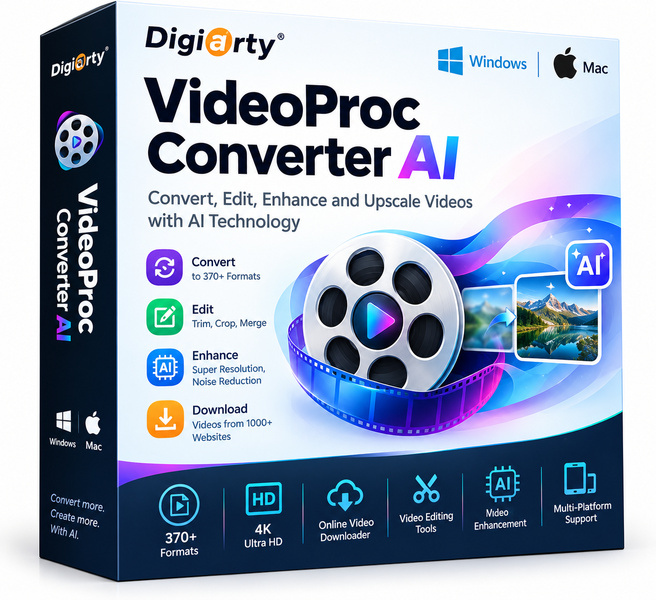
Video files are getting bigger, formats are multiplying, and quality expectations keep rising. Digiarty VideoProc Converter AI answers all three challenges in a single, well-designed application for both Windows and Mac. It combines hardware-accelerated conversion, artificial intelligence enhancement tools, and a straightforward interface that does not punish beginners or slow down experienced users. Whether you are archiving a home video library, prepping footage for upload, or cleaning up shaky clips, this tool is built to get the job done without a steep learning curve.
Key features
- AI-powered video enhancement: Uses trained neural networks to upscale resolution, reduce noise, and sharpen detail, so older or low-light footage can look genuinely better on modern screens.
- Full GPU acceleration: Leverages Intel Quick Sync, NVIDIA NVENC, and AMD hardware encoding to process video up to 47 times faster than software-only converters, keeping your CPU free for other tasks.
- Wide format support: Handles over 420 input and output formats, covering everything from legacy codecs like DivX and MPEG-2 to modern containers like HEVC, AV1, and WebM.
- 4K and 8K video processing: Converts, compresses, or re-encodes Ultra HD content without the stuttering or crashing that plagues lighter tools on high-resolution timelines.
- AI frame interpolation: Smooths motion by generating in-between frames intelligently, turning 24fps or 30fps footage into fluid 60fps or higher output.
- Batch conversion: Queue dozens of files with different settings and walk away – VideoProc handles them sequentially without babysitting.
- Built-in downloader and screen recorder: Grabs online video from hundreds of sites and captures on-screen activity, rounding out the toolkit without needing extra apps.
Who is it for
VideoProc Converter AI fits a wide range of users. Content creators and YouTubers will appreciate the fast export presets and AI sharpening that make uploads look polished without hours of manual color work. Home users digitizing old camcorder tapes or DVDs get genuine noise reduction that breathes new life into grainy footage. Remote workers and educators who record screen walkthroughs benefit from the combined converter and screen recorder in one license. Power users managing large media libraries will lean on batch processing and the broad codec coverage to normalize hundreds of files at once. If your machine is older, the GPU offloading means you are not waiting forever for a single export.
How it compares
- HandBrake: A respected open-source encoder with strong H.264 and H.265 output, but it offers no AI enhancement, no built-in downloader, and its interface can feel intimidating for newcomers.
- Movavi Video Converter: Known for a polished beginner-friendly design and decent preset library, though its AI features are more limited and GPU acceleration is less comprehensive on Mac.
- Wondershare UniConverter: A broad multimedia suite with conversion, compression, and DVD tools, competitive in feature count but typically positioned at a higher price point with a subscription model.
- DaVinci Resolve: An industry-standard editing and color grading powerhouse that can export to many formats, but it is a full non-linear editor, not a converter, and the learning curve is substantial for users who just need a quick re-encode.
VideoProc Converter AI sits in the sweet spot between bare-bones free encoders and heavy professional suites. It is the right pick for anyone who wants genuine AI quality improvements and GPU speed in a tool that does not require a manual to operate, especially users handling 4K content or large batch jobs on everyday hardware.
stolen from winningpc.com lifetime license but license is not valid as combined works illegally distributes FFMPEG.ORG executables with both GPLv3 and non-free code compiled in so itself is not legally distributable beyond the original developer that compiled it with non-free compile time switch enabled.