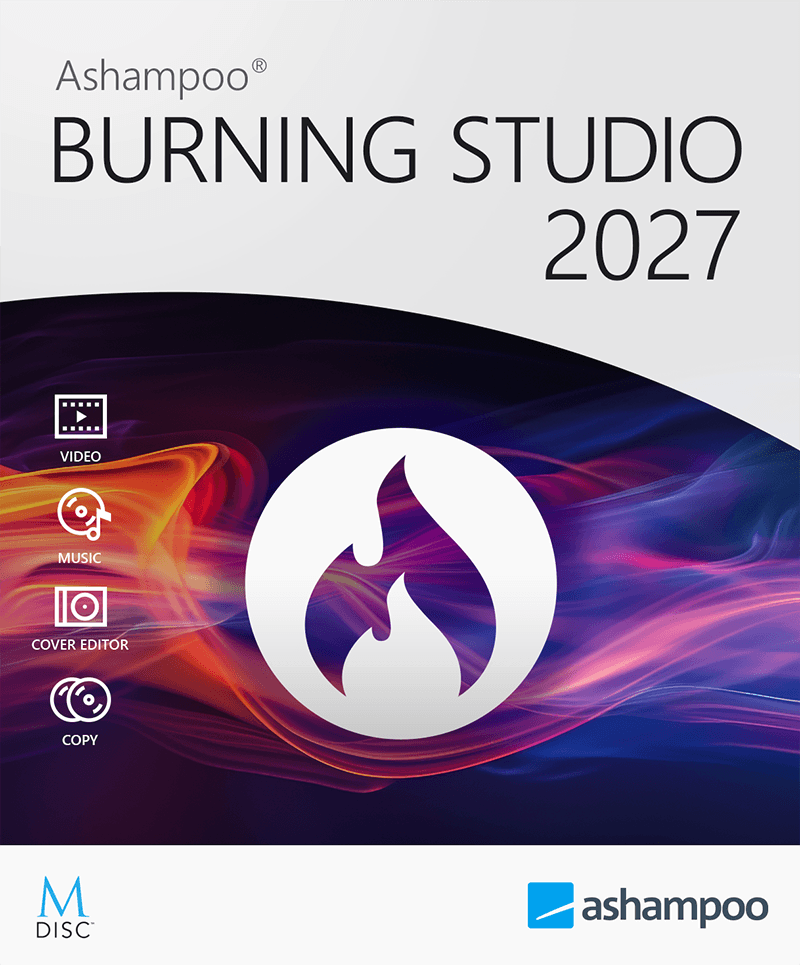
Homepage: https://www.ashampoo.com/en-us/burning-studio-2027
Giveaway:
Download: ashampoo_burning_studio_2027_50507.exe
AFAnyUnlock for Mac - Remove Backup Encryption - 1-Year Subscription/5 Devices20% OFFiMobieGet it →BABackuptrans Android SMS Transfer (Personal Edition)15% OFF2CheckoutGet it →SPSysTools Pen Drive Recovery40% OFFGet it →ABAOMEI Backupper Technician + Lifetime Upgrades (Unlimited PCs)25% OFF2CheckoutGet it →GBGenie Backup Manager Home 925% OFFGet it →
Ashampoo Burning Studio is a polished, fully functional disc burning application that Ashampoo distributes free of charge. Unlike stripped-down freeware, this is a complete suite covering every common disc task: burning data, audio and video discs, ripping audio CDs, creating and burning ISO images, and making reliable backups. The interface is clean and wizard-driven, so even first-time users can complete complex jobs without digging through menus or reading a manual. If you still rely on optical media for archiving, sharing or entertainment, Burning Studio covers all the bases in one compact install.
Key features
- Data disc burning: Write files and folders to CD, DVD or Blu-ray with full file system support and automatic disc spanning when content exceeds a single disc.
- Audio CD creation: Assemble tracks from multiple formats, adjust playback order and burn a standard Red Book audio CD that plays in any standalone player.
- Audio CD ripping: Extract tracks from audio CDs to MP3, FLAC, OGG or WAV with configurable quality settings and automatic metadata lookup.
- ISO image handling: Create ISO images from disc content or existing files, and burn any ISO image back to a physical disc with a few clicks.
- Disc copy and backup: Duplicate CDs, DVDs and Blu-rays disc-to-disc or via a temporary image, and schedule recurring backups of important folders to optical media.
- Video disc authoring: Compile video files into a playable DVD or AVCHD disc complete with a simple menu, without needing a separate authoring tool.
- Bootable disc creation: Build bootable CDs or DVDs from an existing image, useful for system recovery and IT maintenance tasks.
Who is it for
Home users who archive family photos, home videos or music collections on optical media will find Burning Studio intuitive and reliable enough for regular use. Students and small-office workers who need to produce data or presentation discs without paying for enterprise software get a professional-grade result at zero cost. Hobbyist audiophiles who still buy physical CDs and want a straightforward ripping workflow will appreciate the quality presets and metadata support. IT generalists who occasionally need to burn bootable recovery media or duplicate discs for colleagues also fit squarely in the target audience. Essentially, anyone running Windows who touches optical discs more than once a month will save time with a dedicated tool like this rather than relying on the basic built-in Windows burner.
How it compares
- ImgBurn: A long-standing free burner known for granular low-level control and deep ISO support, but its dated interface and installer bundleware make it less friendly for casual users.
- CDBurnerXP: A lightweight open-source option that handles most burning tasks reliably, though it lacks audio ripping quality controls and video disc authoring found in Burning Studio.
- Nero Burning ROM: The commercial industry veteran with a vast feature set and strong hardware compatibility, but it requires a paid license and carries a heavier system footprint.
- BurnAware Free: A clean, genuinely free burner that covers data and audio discs well, yet its free tier omits Blu-ray copying and some backup-oriented features available here.
Ashampoo Burning Studio sits in a comfortable middle ground: more polished and feature-complete than most free alternatives, yet lighter and simpler than a paid professional suite. It is the best fit for everyday home or small-office users who want reliable results without a learning curve or a subscription fee.
Agree that Free Ashampoo Burning Studio 2027 | NET-LOAD deserves the emphasis; Free Ashampoo Burning Studio 2027 | NET-LOAD reinforces it. For a short reset, noillirk.app is a daily word-guessing game.
What clicked for me was Free Ashampoo Burning Studio 2027 | NET-LOAD — more useful than the headline alone. Off-topic but worth a bookmark: krillion.me, a free browser word game.
Reading past Free Ashampoo Burning Studio 2027 | NET-LOAD made the rest of the post land better. Quick aside: mimicparty.me (free browser party game) is a no-install diversion I open between tabs.