Homepage: https://www.vladonai.com/allmynotes-organizer-about
Giveaway: https://www.vladonai.com/allmynotes_support_self_service_giveaway?ref=sos-oct-2026
Download: Install_AllMyNotes_4_16_Deluxe.exe
Registration Key:
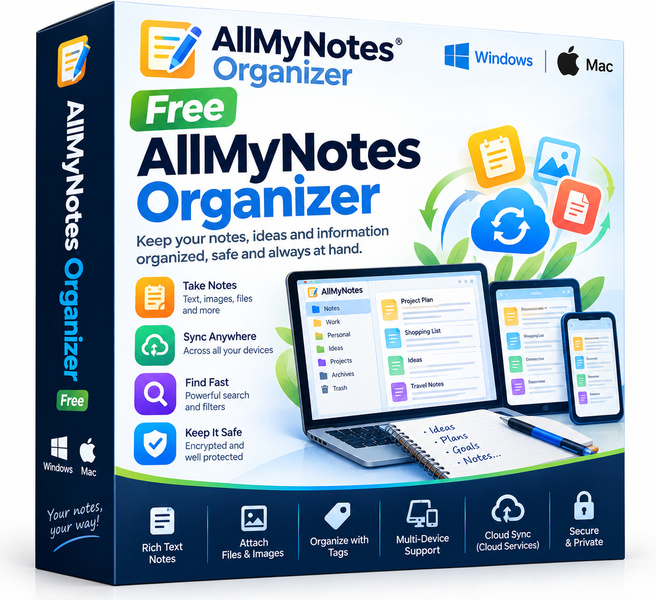
Sticky notes on your monitor, random text files on your desktop, half-finished ideas buried in your email drafts folder. If that sounds familiar, AllMyNotes Organizer is the free Windows app that pulls everything together into a single, encrypted, tree-structured database. It works entirely offline, starts up fast, and keeps your information private without asking for a subscription or a cloud account.
Key features
- Hierarchical tree structure: Organize notes in nested folders and subfolders so you can build a layout that mirrors the way you actually think.
- Strong encryption: The entire database is protected by a password and AES encryption, so sensitive material stays private even if your laptop is lost or stolen.
- Rich text editing: Format notes with bold, italic, color highlights, tables and images, giving you more than a plain-text editor ever could.
- Full-text search: A fast search bar scans every note instantly, so you can find anything in seconds rather than clicking through folders manually.
- File and link attachments: Attach documents, images or URLs directly to a note and keep related resources in one place.
- Portable mode: Run the app from a USB drive and carry your entire knowledge base with you, no installation required on the host machine.
- Completely offline: No cloud sync, no account registration, no data leaving your device, ever. Your notes belong to you and only you.
Who is it for
AllMyNotes Organizer suits a surprisingly wide range of users. Students can build a personal wiki for lecture notes, research snippets and bibliographies, all searchable from one window. Writers and journalists benefit from the tree structure to separate projects, chapters or source interviews without juggling dozens of files. Small business owners and freelancers who need to store client details, meeting notes and login credentials offline, without trusting a third-party server, will appreciate the encryption layer. Privacy-focused users of any background who are tired of cloud services mining their data will find the offline-first design genuinely refreshing. Finally, anyone who simply wants a faster, more organized replacement for Windows Notepad will feel at home within minutes.
How it compares
- Evernote: A cloud-first note service known for its web clipper, cross-device sync and collaboration tools. Unlike AllMyNotes, it requires an account and stores your data on remote servers, making it a poor fit for users who need strict offline privacy.
- Notion: A highly flexible workspace that blends notes, databases and project boards. Its power comes at the cost of complexity and a mandatory cloud connection, the opposite of AllMyNotes Organizer's lightweight, offline approach.
- Obsidian: A local-first markdown editor beloved by knowledge-management enthusiasts. It stores notes as plain text files, which aids portability but lacks the rich text formatting and built-in encryption that AllMyNotes Organizer provides out of the box.
- Microsoft OneNote: Deeply integrated with the Microsoft 365 ecosystem and great for team notebooks. It syncs to OneDrive by default and is better suited to collaborative environments than to single-user, offline, privacy-first workflows.
AllMyNotes Organizer sits in a distinct niche: a capable, richly formatted, encrypted note manager that runs entirely on your own machine with no account required. It is the right pick for Windows users who want serious organization features and real data privacy without paying for a subscription or learning a complex tool.