Website: https://vovsoft.com/software/ai-requester/
Giveaway:
Download: ai-requester-5.3-sos.exe – mirror
Registration key:
https://www.virustotal.com/gui/file/744813556c04c81975701262fe644d115a4437fe21722803794aa0327e924944/details
This program requires your own OpenAI API key for online OpenAI models.
Local models (such as Ollama or LM Studio) can run directly on your computer without a key, but they need to be installed separately.
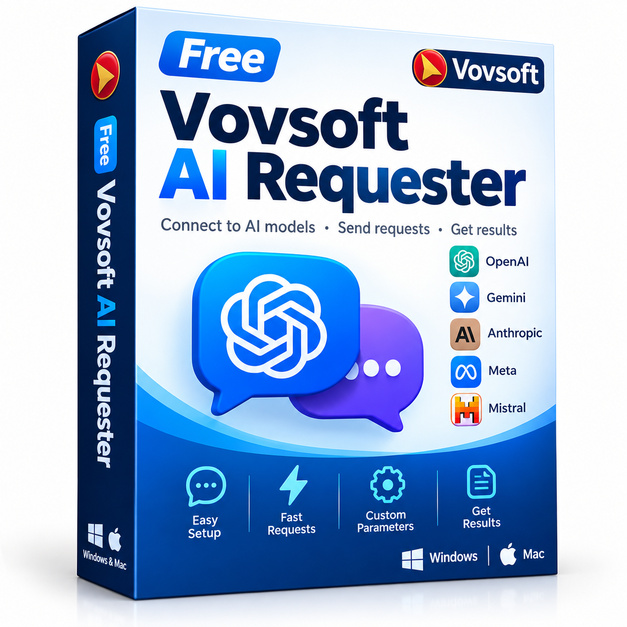
If you spend any part of your workday copying prompts into browser tabs, waiting for pages to reload, or juggling multiple AI services, Vovsoft AI Requester is the kind of utility that quietly becomes indispensable. It is a focused Windows desktop application that lets you query AI language models through a clean, native interface, keeping your workflow fast and your screen uncluttered.
Key features
- API-based AI access: Connect directly to AI providers through their APIs, bypassing the browser entirely for a snappier, distraction-free experience.
- Multi-model flexibility: Switch between different AI models or endpoints without leaving the application, making it easy to compare outputs side by side.
- Prompt history and saving: Revisit previous requests and responses so you never lose a useful output or have to retype a complex prompt from scratch.
- Lightweight footprint: Vovsoft tools are known for staying lean on system resources, and AI Requester follows that same philosophy, running comfortably in the background.
- Simple, clean UI: The interface is deliberately minimal, putting the prompt box and response area front and center so you can focus on the work rather than the tool.
- Windows native: Runs as a standard desktop application, meaning faster cold-start times and no dependency on a live browser session or internet login portal.
- One-time setup: Enter your API key once and the application remembers your configuration, so every session starts immediately without re-authentication steps.
Who is it for
Vovsoft AI Requester is a strong fit for developers testing prompts against different models, writers who use AI assistance daily and want a dedicated tool rather than a browser tab, and small business owners who query AI services repeatedly throughout the day. It is also well-suited to researchers who need to log and revisit AI conversations, and to anyone who simply finds browser-based AI interfaces too slow or too cluttered for focused work. If you already have an API key for a major AI provider, this gives you a cleaner, faster front end for it.
How it compares
- LM Studio: LM Studio is well known for running large language models entirely offline on local hardware, making it the go-to choice for privacy-first users who do not want to use external APIs at all.
- Jan: Jan is an open-source desktop AI client focused on local model management, offering a chat interface that works without any cloud connection, which appeals to developers who self-host their models.
- ChatBox: ChatBox is a cross-platform API client (Windows, Mac, Linux) supporting multiple AI providers with a polished chat-style interface and conversation thread management, making it one of the most feature-rich free options in this category.
- Msty: Msty provides a visually rich desktop experience for API-connected AI conversations, with multi-model comparison and organized conversation folders that suit power users who manage many ongoing prompt projects.
Vovsoft AI Requester fits best for Windows users who want the lightest possible footprint and the fastest setup. If you do not need local model hosting or elaborate conversation management and you just want a no-nonsense desktop prompt tool that gets out of your way, this is the right pick, especially at free.
Bottom line
Vovsoft has a long track record of building small, reliable Windows utilities that do exactly what they promise. AI Requester continues that tradition for the AI era. Whether you are a developer, a writer, or a curious power user, this is a handy addition to your toolkit while the giveaway lasts.